The XPS 15 9560 shipped with two battery configurations: a 3-cell 56Wh pack and a 6-cell 97Wh pack. The reason is a straightforward internal space trade-off. The shorter battery leaves room for a 2.5-inch drive bay; the longer one occupies that space to maximize capacity and runtime.
Need a 2.5″ SATA bay → choose 56Wh.
Want the longest battery life and can go M.2 NVMe-only → choose 97Wh (≈ 73% more energy than 56Wh).
Inside the chassis: spot the difference


Why offer two batteries?
- Storage flexibility vs. runtime: the 56Wh layout supports a dual-drive setup (M.2 NVMe + 2.5″ SATA). The 97Wh layout sacrifices the 2.5″ bay to deliver longer unplugged time.
- Weight and cost knobs: bigger packs weigh more and typically cost more, but the endurance gains are obvious for commuters, students, travelers, and creators.
- Air travel limits: at 97Wh, the larger pack sits just under the common 100Wh airline threshold, maximizing capacity without extra hassle.
Specs at a glance
| Item | 3-cell (56 Wh) | 6-cell (97 Wh) |
|---|---|---|
| Dimensions (W × H × L) | 71.80 mm × 7.20 mm × 223.20 mm (2.83″ × 0.28″ × 8.79″) |
71.80 mm × 7.20 mm × 330.50 mm (2.83″ × 0.28″ × 13.01″) |
| Weight (max) | 0.24 kg (0.54 lb) | 0.34 kg (0.76 lb) |
| Voltage | 11.4 V DC | |
| Charging time (approx.) | ~4 hours (with the laptop turned off) | |
| Operating time | Varies with workload; 97Wh ≈ 56Wh × 1.73 in available energy | |
| Life span (approx.) | ~300 charge/discharge cycles | |
| Temperature range |
Operating: 0 °C – 35 °C (32 °F – 95 °F) Storage: –40 °C – 65 °C (–40 °F – 149 °F) |
|
Which should you choose?
Maximum endurance 97Wh
- Comfortable with an M.2 NVMe-only setup
- Frequent travel, long classes, field work, or on-the-go editing
- Prefer minimal time tethered to a charger
Best expandability 56Wh
- Need a dual-drive combo: M.2 + 2.5″
- Affordable large-capacity storage is a priority
- Don’t mind charging more often
Upgrade / mod notes
- Upgrading from 56Wh → 97Wh requires removing the 2.5″ bay, its cable, and brackets.
- Power down, disconnect the battery, and hold the power button to discharge before working. Avoid prying on cells or cables.
- Choose OEM or high-quality replacements to ensure proper reporting, thermals, and charge behavior.
Recommended products
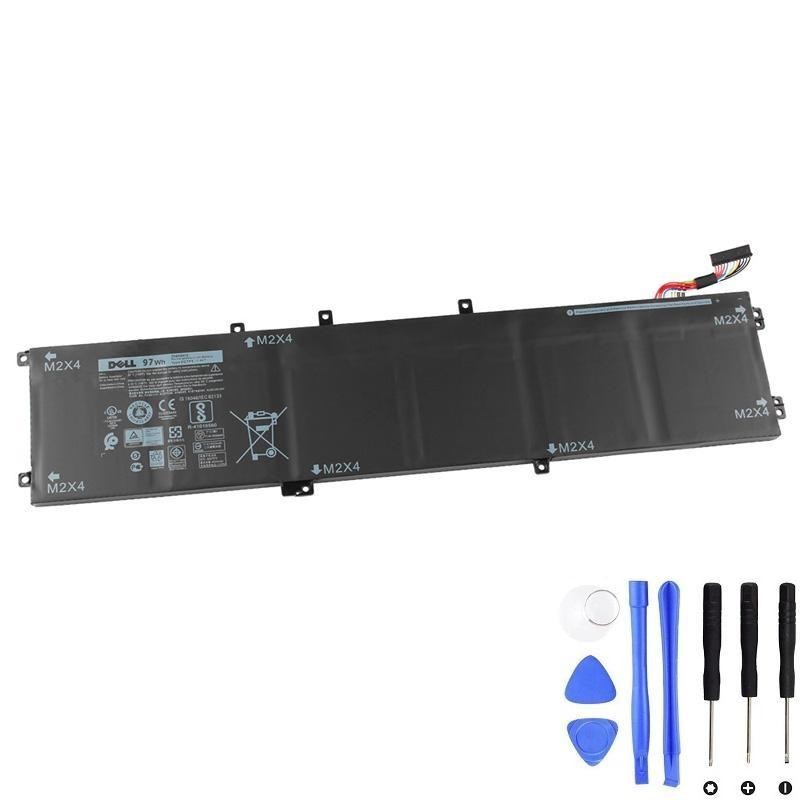
Dell 6GTPY 97Wh Battery
Best if you want the longest runtime and don’t need the 2.5″ bay.
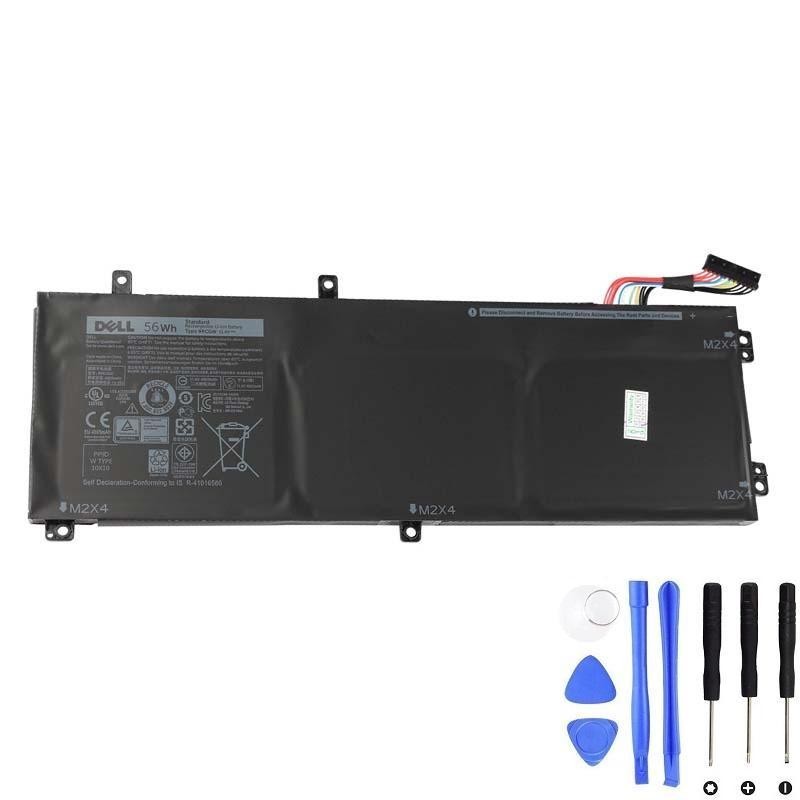
Dell RRCGW 56Wh Battery
Keeps the 2.5″ bay for flexible storage while delivering solid everyday battery life.
Quick reminder: If your laptop is under warranty or you’re not comfortable opening it, consider using an authorized service center.
Bottom line
Two batteries aren’t a gimmick—they give you control over the key internal trade-off: expandability vs. endurance. If you want the 2.5″ bay, go 56Wh. If you want the longest unplugged life the chassis supports and can live with M.2-only storage, choose 97Wh.